Sign documents
from anywhere
The ValidSign mobile app brings the full power of digital signing to your smartphone and tablet. Review, authenticate, and sign documents on the go, with the same security and legal validity as on desktop.









Dashboard
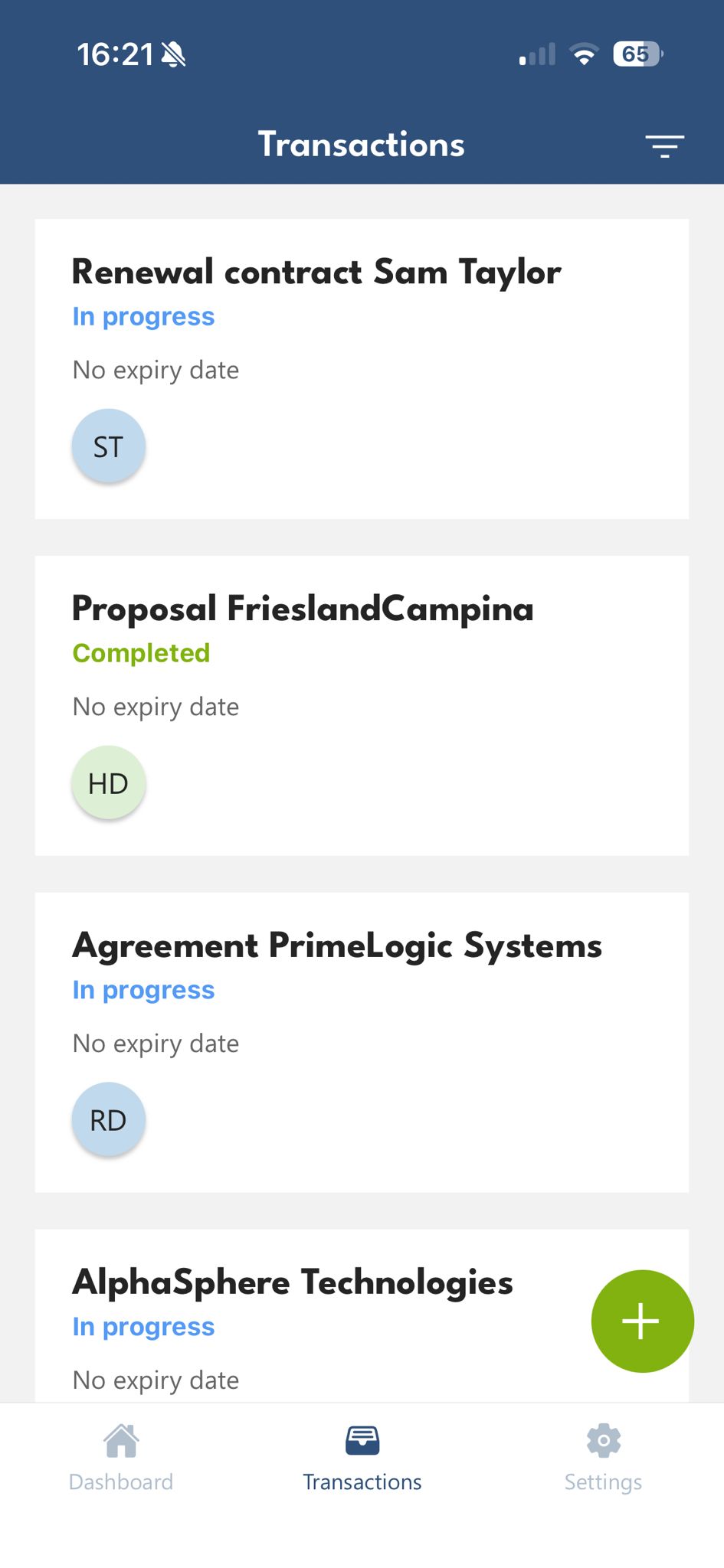
Sign documents
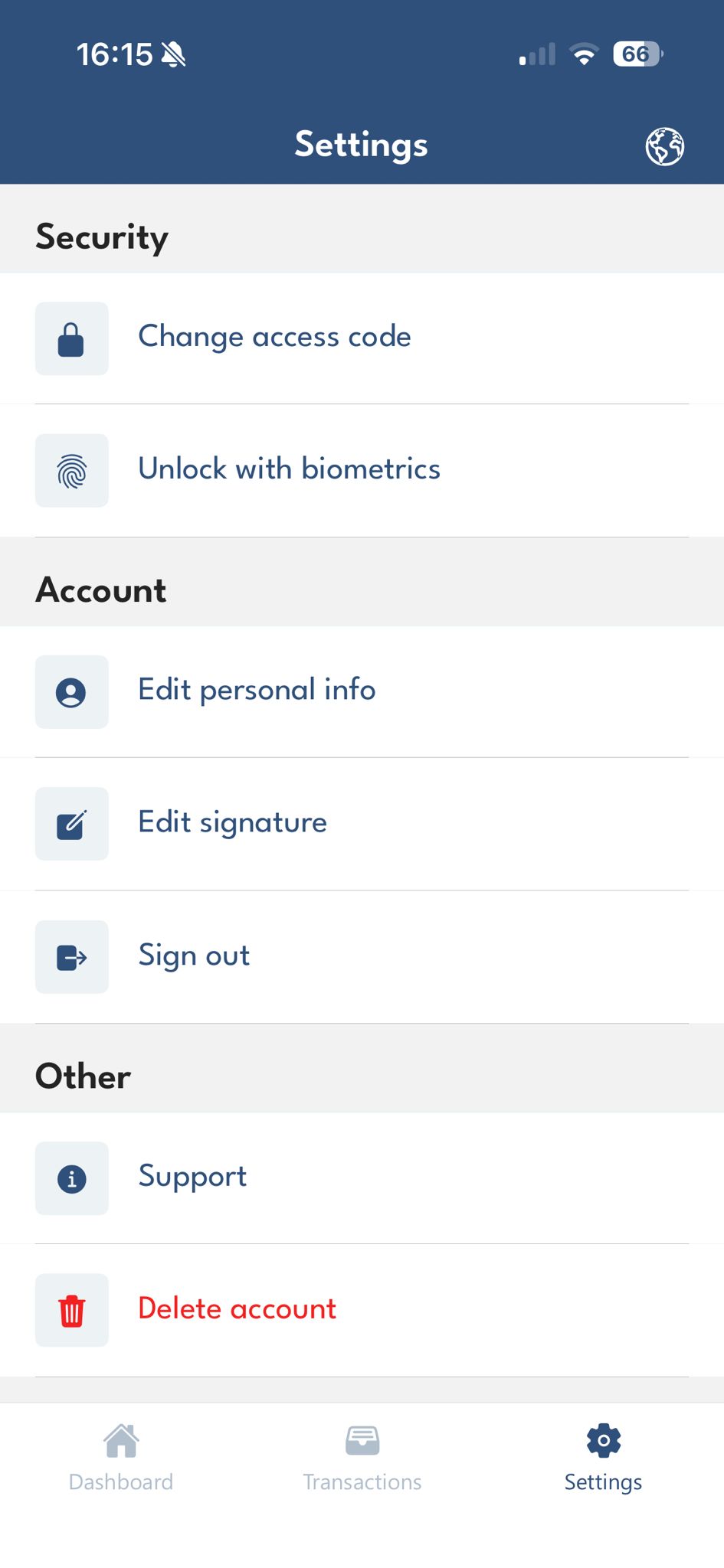
Security settings
Features
Sign on the go
Review and sign documents from anywhere, whether you are commuting, traveling, or working remotely. No laptop required.
Push notifications
Receive instant push notifications when a document is ready for your signature. Never miss an urgent signing request again.
Document preview
Preview the full document before signing with pinch-to-zoom and page navigation. Read every detail on your mobile screen.
Available platforms
iOS (iPhone & iPad)
Available on the App Store for iPhone and iPad. Optimized for all screen sizes with native iOS design and performance.
Android (Phone & Tablet)
Available on Google Play for Android phones and tablets. Built with Material Design for a smooth, familiar experience.
Security on mobile
Biometric authentication
Unlock the app with Face ID, Touch ID, or your Android fingerprint sensor. Your documents are protected by your biometrics.
Encrypted data storage
All document data stored on your device is encrypted at rest. Even if your device is lost, your documents remain protected.
Secure connections
All communication between the app and ValidSign servers uses TLS 1.3 encryption. Your data is protected in transit at all times.
Remote wipe
If a device is lost or stolen, administrators can remotely wipe all ValidSign data from the device to prevent unauthorized access.
See ValidSign in action
Experience the complete signing workflow, from document upload to legally binding signature.
Frequently asked questions
Yes. The ValidSign app is available on the App Store for iPhone and iPad and on Google Play for Android phones and tablets. It brings the full power of digital signing to your smartphone and tablet, so you can review, authenticate and sign documents on the go, with the same security and legal validity as on desktop.
Yes. The ValidSign app offers the same security and legal validity as on desktop. You unlock the app with Face ID, Touch ID or your Android fingerprint sensor, all document data stored on your device is encrypted at rest, and all communication between the app and ValidSign servers uses TLS 1.3 encryption, so your data is protected in transit.
Your documents remain protected. ValidSign encrypts all document data stored on your device at rest, so even if your device is lost the documents stay secure. In addition, if a device is lost or stolen, administrators can remotely wipe all ValidSign data from the device to prevent unauthorized access. The app itself is unlocked with your biometrics.
The ValidSign app sends you instant push notifications when a document is ready for your signature, so you never miss an urgent signing request. Before signing, you can preview the full document with pinch-to-zoom and page navigation to read every detail on your mobile screen. No laptop is required, whether you are commuting, traveling or working remotely.